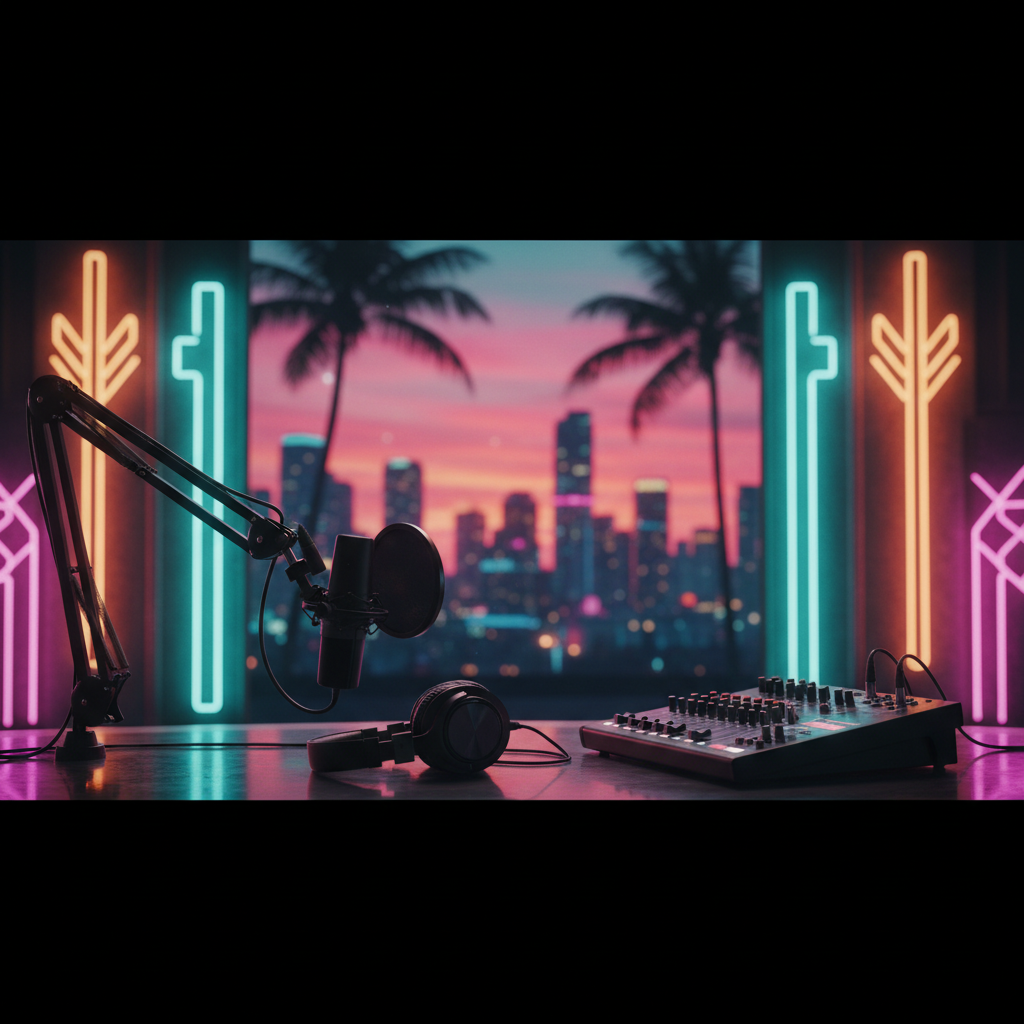
Miami Podcast Studio Equipment: Your Pro Gear Guide!
Ready to level up your podcast in Miami? Discover the essential equipment for a professional-sounding show, from mics to mixing. Your guide to recording excellence!
Miami Podcast Studio Equipment: Your Pro Gear Guide!
Hey Miami podcasters! Ready to dial in that crisp, clear, ¡chévere! sound that makes your show stand out? Whether you're dreaming of launching the next big hit from Brickell, sharing local stories from Coral Gables, or discussing global trends from your Doral studio, having the right gear is non-negotiable. At PodcastMiami.net, we see it all – from first-time hosts to seasoned pros, and one thing is clear: great equipment elevates your voice.
So, what does it take to build a killer podcast setup, or what should you look for when you hit up a podcast studio Miami for a rental? Let's break down the must-haves for a professional sound that truly captures the Miami vibe.
The Heart of Your Sound: Microphones
Your microphone is the most crucial piece of equipment. It's where your voice first meets the digital world, so don't skimp here! When you record podcast in Miami, clarity is key.
Dynamic Microphones
* Pros: Durable, excellent at rejecting background noise (perfect for lively Miami environments!), and great for capturing robust vocals. Think Shure SM7B or Electro-Voice RE20 – these are staples in many professional Miami podcast production facilities.
* Cons: Can sometimes sound less "airy" than condensers; often require a good preamp to get enough gain.
* Best for: Interviews, lively discussions, rock/pop vocals, or if you're recording in a less-than-perfect acoustic space.
Condenser Microphones
* Pros: Highly sensitive, capturing intricate details and a wider frequency range, resulting in a very clear, "studio-quality" sound. Popular choices include the Rode NT1-A or Audio-Technica AT2020.
* Cons: More fragile, pick up more room noise, and often require phantom power (provided by your audio interface or mixer).
* Best for: Solo narration, acoustic music, controlled studio environments, or when you want that pristine, detailed sound often heard in professional voiceovers.
USB Microphones
* Pros: Super easy to set up – just plug and play! Great for beginners or remote guests. Examples include the Blue Yeti or Rode NT-USB Mini.
* Cons: Generally lower audio quality and less flexibility than XLR mics. Not typically found in a high-end podcast rental Miami studio.
* Best for: Starters, mobile recording, or convenience when quality isn't the absolute top priority.
Pro Tip: Always use a pop filter! It's a small screen placed in front of your mic that blocks plosive sounds (like "p" and "b") from distorting your audio. A small investment for a big improvement!
Capturing the Magic: Audio Interfaces & Mixers
Once you've got your mic, you need something to convert that analog sound into a digital signal your computer can understand. This is where audio interfaces and mixers come in.
Audio Interfaces
* What it does: Connects your XLR microphone(s) to your computer via USB. It also provides phantom power for condenser mics and often includes high-quality preamps.
* Key Features: Number of inputs (how many mics you can connect), sample rate, and bit depth. Focusrite Scarlett series and Universal Audio Volt are popular choices.
* Best for: Solo hosts or small co-hosted shows (1-4 mics) where simplicity and high-quality recording are priorities.
Mixers
* What it does: Similar to an interface, but with more physical controls for adjusting levels, EQ, and effects in real-time. Some include multi-track recording capabilities directly to an SD card.
* Key Features: Number of channels, built-in effects, gain control, EQ per channel, and monitoring options. Zoom PodTrak P4/P8 and RodeCaster Pro are specifically designed for podcasters.
* Best for: Shows with multiple hosts/guests, live streaming, or when you want more hands-on control over your sound during recording.
Many of our Miami podcasters prefer the RØDECaster Pro for its intuitive interface and all-in-one capabilities, making it a staple in many professional podcast studio Miami setups.
The Listening Post: Headphones
Good headphones are essential for monitoring your audio as you record. This helps you catch issues like background noise, clipping, or incorrect mic technique in real-time.
Closed-Back Headphones
* Pros: Isolate sound well, preventing microphone bleed (your headphone audio being picked up by the mic). Clear sound reproduction for critical listening.
* Cons: Can be less comfortable for very long sessions; soundstage can feel a bit constrained.
* Best for: Hosts and guests during recording sessions. Look for models like Audio-Technica ATH-M20x/M50x or Sony MDR-7506.
Avoid using: Open-back headphones or earbuds during recording, as they can lead to audio bleed and feedback issues.
Beyond the Basics: Software & Accessories
No podcast studio Miami setup is complete without the right software and a few crucial accessories.
Digital Audio Workstation (DAW)
This is your editing suite! Software like Adobe Audition, Audacity (free!), GarageBand (Mac), or Logic Pro X (Mac) allows you to edit, mix, and master your audio. Learning the basics of a DAW is vital for polishing your final product.
Accessories
* Mic Stands: Essential for proper mic placement and reducing handling noise. Desktop stands are great for interviews; boom arms offer more flexibility.
* Shock Mounts: Isolate your microphone from vibrations transmitted through the stand, preventing thumps and rumbles.
* Cables: Don't underestimate good quality XLR cables. They prevent interference and ensure a clean signal.
* Acoustic Treatment: Even small panels or bass traps can make a huge difference in reducing echo and reverb, especially in reflective rooms common in Wynwood or Kendall apartments.
Where to Get Your Gear (or Just Rent It!)
Thinking of investing in your own setup? There are plenty of great audio stores in South Florida. But if you're looking for a high-quality, professional environment without the upfront investment, consider a podcast rental Miami studio like ours!
At PodcastMiami.net, located centrally near Miami Executive Airport, we've meticulously curated state-of-the-art equipment to ensure your Miami podcast production sounds incredible. From top-tier Shure and Rode microphones to the intuitive RØDECaster Pro, we've got everything you need to record podcast in Miami with confidence.
Ready to elevate your sound? Explore our studio options and see our full gear list at /studio. Want to chat about your project? We'd love to hear from you at /contact!
Frequently Asked Questions About Miami Podcast Studio Equipment
FREQUENTLY ASKED QUESTIONS
What's the most important piece of equipment for a podcast in Miami?+
The microphone is the absolute most important! A good quality microphone ensures your voice is captured clearly and professionally, making a huge difference in your podcast's overall sound quality.
Do I need a separate audio interface or mixer for my Miami podcast?+
If you're using professional XLR microphones, yes. An audio interface or mixer converts the analog microphone signal into a digital one your computer can understand. Mixers offer more control for multiple guests.
Can I use USB microphones for a professional podcast production in Miami?+
While convenient for beginners, USB microphones generally offer lower audio quality and less flexibility than XLR microphones used with an interface or mixer. For professional results, XLR setups are preferred.
What kind of headphones should I use when recording a podcast in a Miami studio?+
Always use closed-back headphones! They prevent your headphone audio from bleeding into the microphone, ensuring a clean recording and avoiding feedback issues. Many professional podcast studios in Miami provide these.
Where can I find a podcast rental in Miami with professional equipment?+
PodcastMiami.net offers fully equipped, professional podcast studio rentals conveniently located near Miami Executive Airport, featuring top-tier microphones, mixers, and acoustic treatment for superior sound.