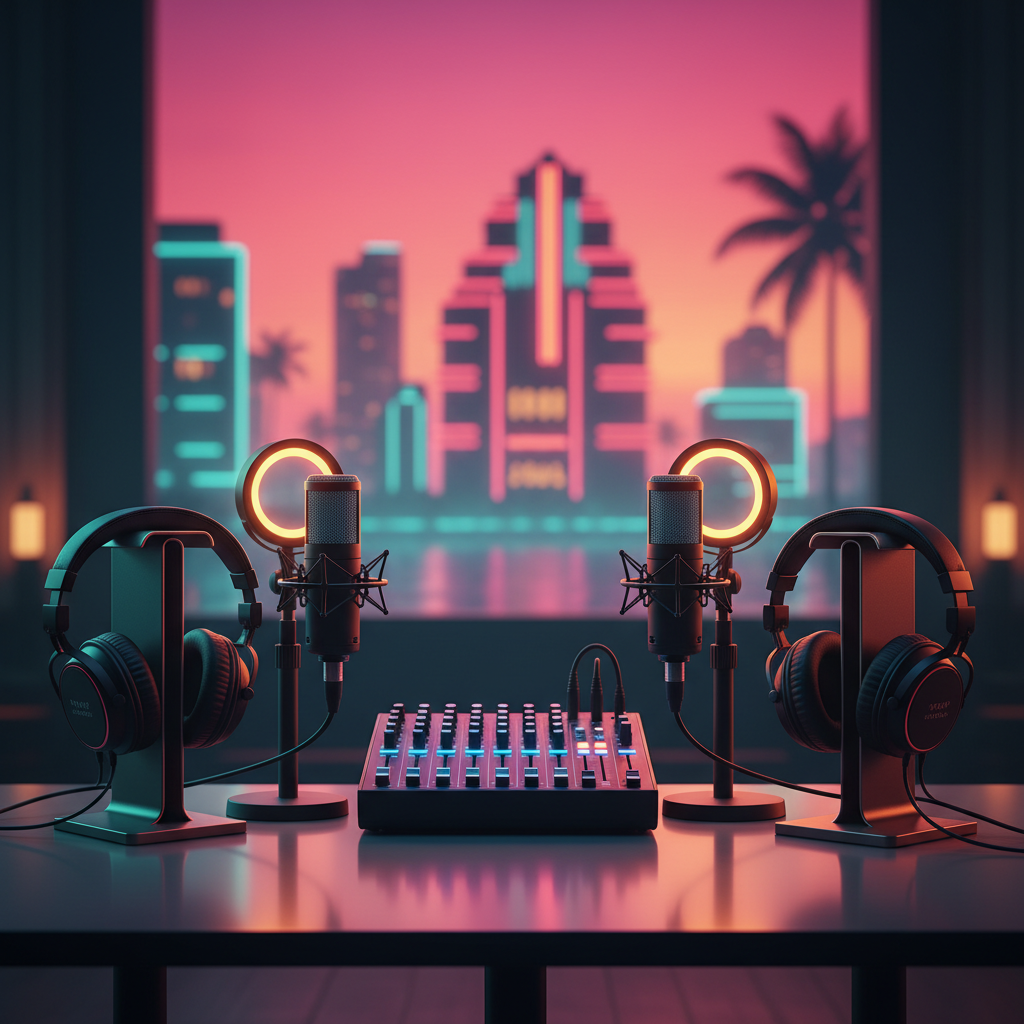
Miami Podcast Studio Equipment: Your Ultimate Guide to Pro Sound
Unlock professional sound for your Miami podcast! Discover essential equipment from microphones to mixers, and learn where to record like a pro in the 305.
Miami Podcast Studio Equipment: Your Ultimate Guide to Pro Sound
Hey Miami podcasters! Ready to elevate your audio game and make your voice heard across the 305 and beyond? Whether you're dreaming of hosting a chart-topping show from Brickell, sharing local stories from Wynwood, or diving deep into niche topics from Kendall, having the right podcast studio equipment is crucial. Forget muffled voices and distracting background noise – in the vibrant world of Miami podcasting, crisp, clear sound isn't just a luxury; it's a necessity.
At PodcastMiami.net, we're all about empowering our local talent. We know that navigating the tech world can feel like a labyrinth, especially when you'd rather be focusing on your content. That's why we've put together this ultimate guide to help you choose the best gear, understand what makes a difference, and ultimately, find the perfect spot to record your podcast in Miami.
The Core Four: Essential Podcast Equipment You Can't Live Without
Think of these as the fundamental building blocks for any professional podcast setup. Skimping here means compromising your sound quality, and trust us, your listeners will notice!
1. The Microphone: Your Voice's Best Friend
This is arguably the most important piece of equipment. Your microphone captures your voice, so investing in a good one is paramount. While there's a vast ocean of options, here are the main types to consider:
* Dynamic Microphones: These are robust, excellent at rejecting background noise, and perfect for environments that aren't acoustically treated (like a typical home office). They're often favored for interviews and multiple hosts. Think Shure SM7B or Rode Procaster.
* Condenser Microphones: Known for their sensitivity and ability to capture a wider frequency range, condensers produce a richer, more detailed sound. They work best in acoustically treated spaces. Popular choices include the Rode NT1 or Audio-Technica AT2020. USB condensers are great for beginners for their plug-and-play simplicity, like the Blue Yeti or Rode NT-USB Mini.
When choosing, consider your recording environment and how many people will be speaking. For solo shows in a quiet room, a good USB condenser might suffice. For a multi-host setup in a less-than-perfect acoustic space, dynamic mics with an audio interface are often the way to go.
2. Audio Interface or Mixer: The Sound Control Center
Unless you're using a simple USB microphone, you'll need an audio interface or a mixer to connect your XLR microphones to your computer. These devices convert analog audio signals into digital ones that your computer can understand.
* Audio Interfaces: Typically offer 1-4 inputs and are perfect for solo podcasters or small co-host setups. They're compact and straightforward. Focusrite Scarlett series or Universal Audio Volt are excellent options.
* Mixers: Provide more inputs, physical faders, and often built-in effects. Ideal for multi-host shows, recording phone calls, or live streaming. Zoom PodTrak P4 or RodeCaster Pro are popular choices specifically designed for podcasters.
These devices allow you to control gain (input volume), monitor your audio with headphones, and ensure a clean signal goes to your recording software.
3. Headphones: Hear What Your Listeners Hear
Good headphones are non-negotiable. They allow you to monitor your audio in real-time, catch unwanted sounds, and ensure your levels are correct. Look for closed-back, over-ear studio headphones – they provide excellent sound isolation, preventing microphone bleed.
* Recommended: Audio-Technica ATH-M20x/M50x or Sony MDR-7506. Avoid open-back headphones, as your mic will pick up what you're listening to.
4. Digital Audio Workstation (DAW): Your Editing Suite
This is the software you'll use to record, edit, mix, and master your podcast. There are fantastic free and paid options available:
* Free: Audacity (Windows/Mac/Linux) or GarageBand (Mac only) are excellent starting points.
* Paid/Professional: Adobe Audition, Logic Pro X (Mac only), or Reaper offer advanced features and professional-grade editing tools.
Your DAW is where the magic happens – cleaning up audio, adding intros/outros, and polishing your final product. If you're new to this, don't fret! Many excellent tutorials are available online, or you can consider professional Miami podcast production services to handle the post-production for you.
Beyond the Basics: Elevating Your Miami Podcast Production
Once you've got the core four down, you can start thinking about additions that will make your podcast truly shine.
Acoustic Treatment: Taming the Room
Recording in an untreated room can lead to echoes, reverb, and unwanted ambient noise. Acoustic panels, bass traps, and diffusers can significantly improve your sound quality by absorbing sound waves and reducing reflections. Even simple solutions like moving blankets or heavy curtains can make a difference. If you're using a dedicated podcast studio Miami, chances are it's already acoustically optimized, saving you the hassle.
Pop Filters & Shock Mounts: Clean & Clear Audio
* Pop Filters: Essential for any microphone, a pop filter (or windscreen) blocks plosive sounds (like "p" and "b") from overloading the mic and creating harsh popping noises. They're inexpensive and make a huge difference.
* Shock Mounts: These suspend your microphone, isolating it from vibrations and handling noise. If you're recording on a desk, a shock mount will prevent thumps and bumps from ruining your audio.
Boom Arms & Mic Stands: Positioning for Perfection
Proper microphone placement is key. Boom arms (desktop or floor stands) allow you to position the microphone optimally, typically 4-6 inches from your mouth, slightly off to the side to minimize plosives. They also reduce desk clutter and vibrations.
Computer & Storage: The Digital Backbone
While most modern computers can handle podcast recording and editing, ensure you have enough processing power and RAM for smooth operation, especially if you're editing long episodes with multiple tracks. Ample storage space (SSDs are fastest!) is also crucial for your audio files.
Why Renting a Podcast Studio in Miami Makes Sense
Building your own professional-grade studio with all this equipment can be a significant investment, both in terms of cost and the time it takes to set up and acoustically treat. That's where podcast rental Miami studios like ours come into play.
At PodcastMiami.net, located centrally near Miami Executive Airport, we've done all the heavy lifting for you. Our studios are equipped with top-tier microphones (Shure SM7Bs, Rode NT1s), professional mixers (RodeCaster Pro, Zoom PodTrak), acoustically treated rooms, and comfortable setups for you and your guests. Imagine walking into a perfectly dialed-in space, pressing record, and focusing solely on your content – whether your show is about Doral's business scene or Miami Beach's vibrant culture.
Benefits of a Professional Podcast Studio in Miami:
* Professional Equipment: Access to high-end gear without the upfront cost.
* Acoustically Treated Space: Say goodbye to echoes and external noise.
* Expert Support: Our team can assist with setup and troubleshoot issues.
* Consistency: Achieve broadcast-quality audio every single time.
* Convenience: Simply show up and record podcast in Miami with ease.
Ready to experience the difference? Don't let technical hurdles hold you back from creating an amazing podcast. Whether you're just starting or looking to upgrade your current setup, PodcastMiami.net is here to support Miami podcasters.
Ready to Level Up Your Podcast?
If you're serious about producing a high-quality podcast that stands out in the bustling Miami landscape, consider visiting us. We offer flexible rental options and full-service Miami podcast production to bring your vision to life. From solo shows to multi-guest interviews, we've got the perfect setup for you.
Explore Our Studios and Equipment Today!
Contact Us to Book Your Session!
Let's make some magic happen, Miami!
FREQUENTLY ASKED QUESTIONS
What essential equipment do I need for a podcast studio in Miami?+
For a professional sound, you'll need a good microphone (dynamic or condenser), an audio interface or mixer, quality closed-back headphones, and a Digital Audio Workstation (DAW) for recording and editing. Additional items like pop filters and shock mounts are highly recommended.
Can I record a high-quality podcast without buying all the equipment?+
Absolutely! Many Miami podcasters choose to rent professional podcast studios like PodcastMiami.net. These studios provide all the necessary high-end equipment, acoustically treated rooms, and often offer technical support, saving you significant upfront costs and setup time.
What kind of microphone is best for recording a podcast in Miami?+
The best microphone depends on your environment and needs. Dynamic mics (e.g., Shure SM7B) are great for noisy rooms and multiple speakers, rejecting background noise effectively. Condenser mics (e.g., Rode NT1) offer detailed sound in quieter, acoustically treated spaces. USB mics are good for beginners.
Where can I find professional podcast production services in Miami?+
PodcastMiami.net offers comprehensive Miami podcast production services, including recording, editing, mixing, and mastering. We help you create broadcast-quality audio from start to finish, allowing you to focus on your content.
Are there acoustically treated podcast studios available for rent in Miami?+
Yes! PodcastMiami.net, located centrally in Miami near Miami Executive Airport, provides fully acoustically treated podcast studios equipped with professional gear. This ensures your recordings are free from echoes and external noise, delivering crystal-clear audio.
What is a DAW, and do I need one for my Miami podcast?+
A DAW (Digital Audio Workstation) is software used to record, edit, mix, and master your audio. Yes, you absolutely need one to produce your podcast. Popular options include Audacity (free), GarageBand (Mac), Adobe Audition, and Logic Pro X.