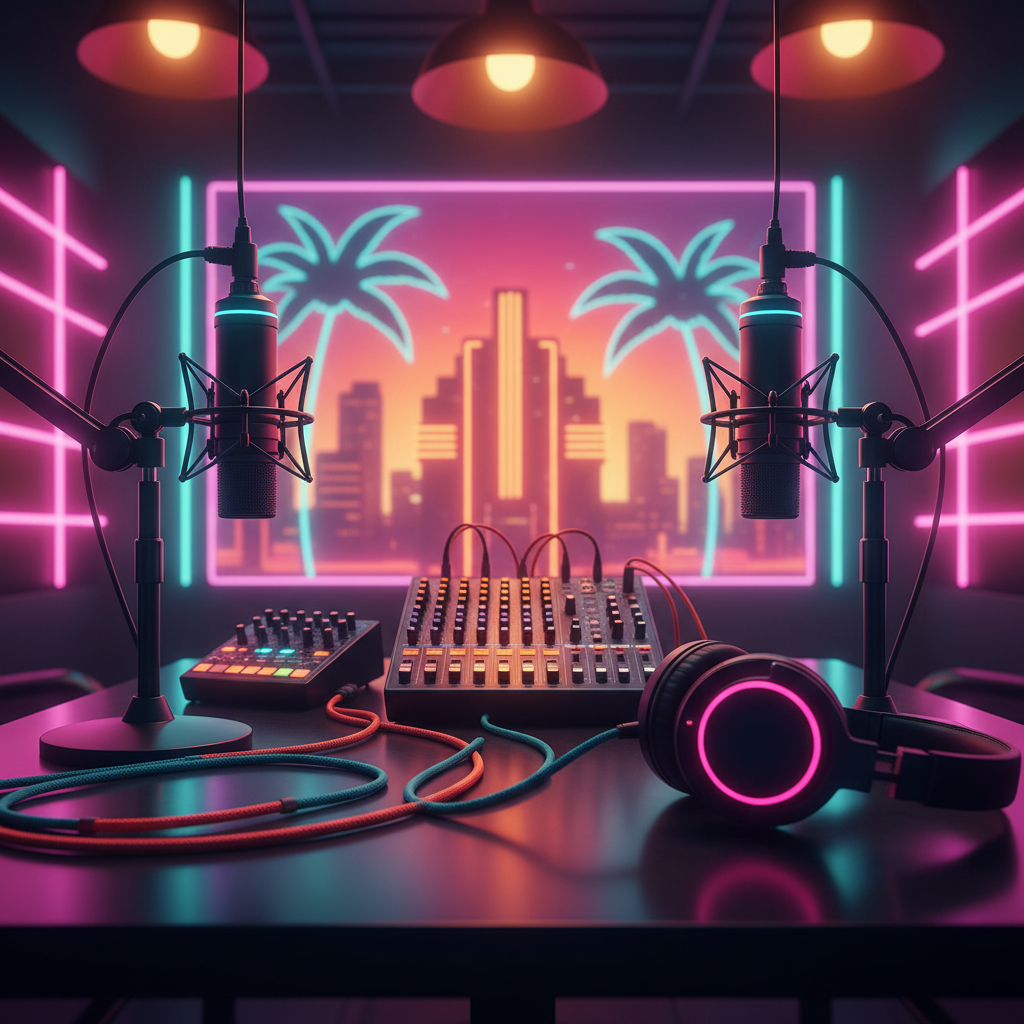
Miami Podcast Studio Gear: Your Ultimate Equipment Guide
Ready to level up your podcast in Miami? Discover the essential gear for recording professional-quality audio, from microphones to mixers.
Miami Podcast Studio Gear: Your Ultimate Equipment Guide
¡Qué bola, Miami podcasters! Are you dreaming of crisp, clear audio that makes your voice shine like the South Florida sun? Whether you're just starting your podcasting journey or looking to upgrade your setup, understanding the right equipment is key to producing a show that sounds truly professional. At PodcastMiami.net, we see it all – from first-timers to seasoned pros – and we know that stellar sound starts with stellar gear. Let's dive into the essential podcast studio equipment that will elevate your recording game right here in the Magic City!
The Heart of Your Sound: Microphones
Choosing the right microphone is perhaps the most critical decision you'll make. It's the primary gateway for your voice to reach your audience, and quality here makes all the difference.
Dynamic Microphones: The Workhorses
Dynamic mics are robust, durable, and excellent at rejecting background noise. This makes them ideal for recording in less-than-perfect acoustic environments, which can be a real plus in a bustling city like Miami.
* Shure SM7B: A legendary microphone in broadcasting and podcasting. It delivers a rich, warm tone and is fantastic at isolating vocals, making it perfect for powerful voices. It requires a good preamp, but the sound is worth it!
* Rode Procaster: Another fantastic option, offering broadcast-quality sound and great rejection of room noise. It's sturdy and straightforward to use.
Condenser Microphones: The Detail Magnets
Condenser mics are more sensitive, capturing a wider frequency range and more subtle nuances of your voice. They excel in acoustically treated spaces.
* Rode NT1: A popular choice for home and professional studios. It offers incredibly clean audio and a low self-noise, perfect for capturing every detail.
* Audio-Technica AT2020 (USB or XLR): A great entry-level condenser that delivers impressive sound quality for its price. The USB version is plug-and-play, ideal for beginners, while the XLR version offers more flexibility.
USB vs. XLR: What's the Difference?
* USB Microphones: Simple, plug-and-play directly into your computer. Great for solo podcasters and beginners. Examples: Blue Yeti, Rode NT-USB Mini.
* XLR Microphones: Offer higher quality, more versatility, and better durability. They require an audio interface or mixer (more on that next!) but provide professional-grade sound. Most of the mics listed above are XLR.
Your Control Center: Audio Interfaces & Mixers
Once you have your microphone, you need a way to get that audio into your computer. This is where audio interfaces and mixers come in.
Audio Interfaces: The Digital Gateway
An audio interface converts the analog signal from your XLR microphone into a digital signal your computer can understand. They also provide phantom power for condenser mics and often include high-quality preamps.
* Focusrite Scarlett 2i2: A favorite for its ease of use, excellent sound quality, and compact design. Perfect for one or two microphones.
* PreSonus AudioBox USB 96: A reliable and affordable option for quality recordings.
Mixers: For Multiple Voices & More Control
If you're hosting interviews, co-hosting, or incorporating sound effects live, a mixer is your best friend. They allow you to control multiple microphone levels, add effects, and sometimes even record directly to an SD card.
* RodeCaster Pro II: The ultimate all-in-one solution for podcasters. It's a production studio in a box, featuring multiple mic inputs, sound pads for jingles, Bluetooth connectivity, and direct recording. A must-have for serious Miami podcast production!
* Zoom PodTrak P4: A portable and affordable option for multi-person podcasts, offering four mic inputs and individual headphone outputs.
Hearing is Believing: Headphones
Good monitoring headphones are crucial for hearing exactly what your audience will hear – and catching any imperfections before they become permanent.
* Closed-Back Headphones: Essential for recording. They prevent audio from leaking out of your headphones and back into your microphone, which can cause echoes or feedback. Look for models like the Sony MDR-7506 or Audio-Technica ATH-M20x/M50x.
Taming the Acoustics: Accessories & Room Treatment
Even the best equipment can't overcome a bad-sounding room. Miami homes, with their open spaces and hard surfaces, can be echo chambers! These accessories help.
* Pop Filters/Windscreens: Absolutely essential for any microphone. They prevent harsh "P" and "B" sounds (plosives) and protect your mic. A small investment for a massive sound improvement.
* Mic Stands: A sturdy stand is a must-have. Desk stands work for individual setups, while boom arms (like the Rode PSA1+) offer more flexibility and keep your desk clear.
* Shock Mounts: These cradle your microphone and absorb vibrations from your desk or stand, preventing unwanted thumps and rumbles from being recorded.
* Acoustic Treatment: Even a few strategically placed foam panels, thick blankets, or heavy curtains can make a huge difference in reducing echo and reverb, giving your recordings a much more professional feel. Consider a portable vocal booth if you're recording in a particularly lively space.
Software: The Digital Editor's Playground
Once your audio is recorded, you'll need software to edit, mix, and master your episodes.
* DAWs (Digital Audio Workstations):
* Audacity: Free, open-source, and excellent for basic editing.
* GarageBand (Mac): Free, user-friendly, and surprisingly powerful for beginners.
* Adobe Audition: Industry-standard professional software with advanced features.
* Reaper: Affordable, powerful, and highly customizable.
Ready to Record Your Miami Story?
Setting up your perfect Miami podcast studio can feel like a lot, but with the right gear, you'll be producing engaging content that sounds fantastic. If you're looking for a top-tier, acoustically treated environment with all the latest equipment already set up, why not consider a professional podcast studio rental in Miami?
At PodcastMiami.net, located conveniently near Miami Executive Airport, we offer state-of-the-art facilities equipped with all the gear we've discussed (and more!) Whether you're in Brickell, Wynwood, Coral Gables, Kendall, Doral, or Miami Beach, a professional space is just a short drive away. We handle the technical side so you can focus on telling your story.
Stop searching for "record podcast in Miami" solutions and step into a space designed for success. From pristine audio to video production, we've got your back. Ready to bring your podcast vision to life? Visit our studio page to see our facilities or contact us today to book your session!
FREQUENTLY ASKED QUESTIONS
What are the most essential pieces of equipment for a beginner podcaster in Miami?+
For beginners, focus on a good quality USB microphone (like a Blue Yeti or Rode NT-USB Mini), a pair of closed-back headphones, and free editing software like Audacity or GarageBand. These will get you started with clear audio right away.
Do I need an expensive microphone to get good sound for my Miami podcast?+
Not necessarily! While high-end mics offer superb quality, many affordable options like the Audio-Technica AT2020 or Rode Procaster provide excellent broadcast-quality sound without breaking the bank. The key is proper mic technique and a good recording environment.
What's the difference between a dynamic and a condenser microphone, and which is better for recording a podcast in Miami?+
Dynamic mics are great for rejecting background noise and excel in untreated rooms, making them suitable for Miami's varied environments. Condenser mics are more sensitive, capturing richer detail but require quieter, more acoustically controlled spaces. Your choice depends on your recording location and desired sound.
How can I reduce echo or background noise when recording my podcast at home in Miami?+
To reduce echo, try adding soft furnishings like carpets, curtains, and upholstered furniture. You can also use blankets, acoustic foam panels, or even record in a closet! For background noise, a dynamic microphone and a quiet recording time are your best allies.
When should I consider renting a professional podcast studio in Miami instead of buying all the equipment?+
Renting a professional podcast studio in Miami, like PodcastMiami.net, is ideal if you want access to top-tier, acoustically treated rooms, expert engineers, and high-end equipment without the upfront cost or technical hassle. It ensures consistent, superior audio quality from day one, perfect for established podcasters or those looking to launch with impact.
What's the best software for editing my podcast episodes after recording?+
For free options, Audacity (Windows/Linux/Mac) and GarageBand (Mac) are excellent for basic to intermediate editing. For professional-grade editing and advanced features, Adobe Audition or Reaper are highly recommended by experienced podcasters.