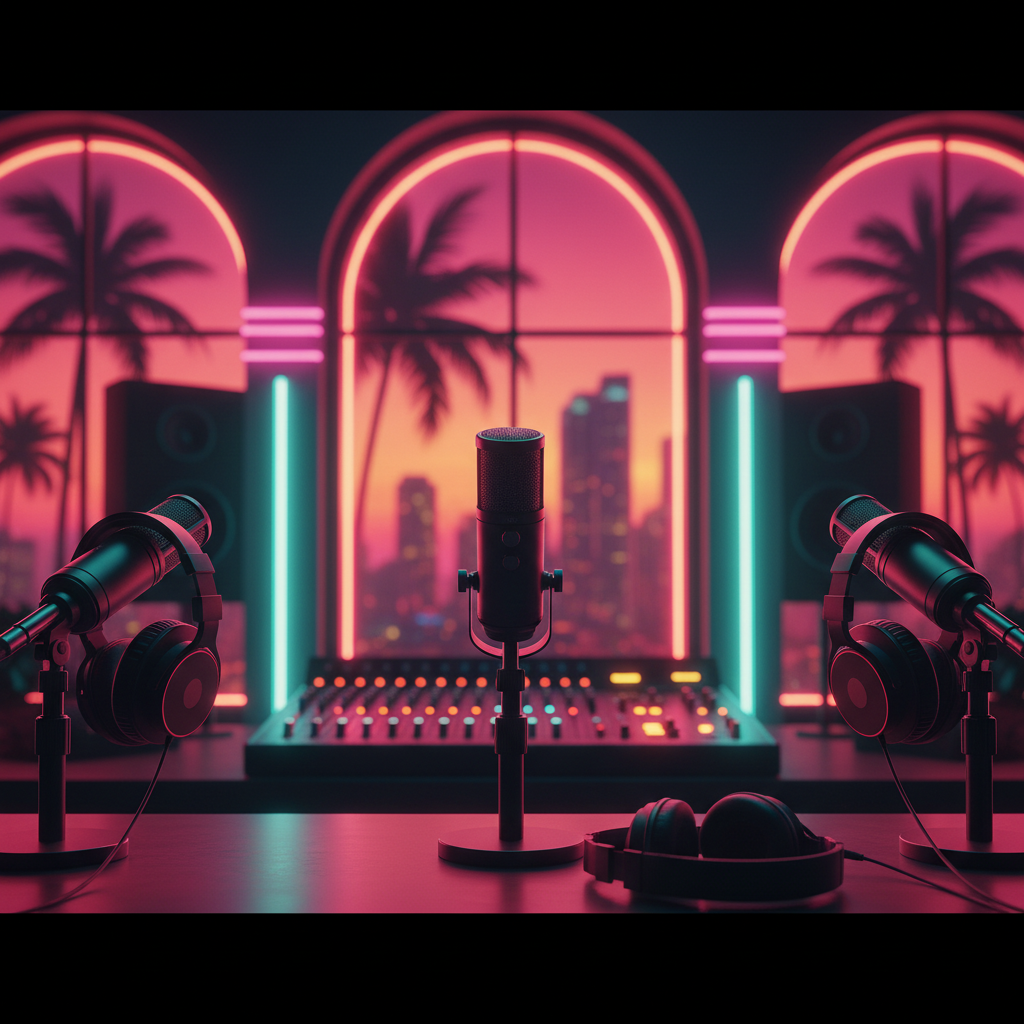
Miami Podcast Studio Equipment Guide: Your Pro Setup for Success!
Unlock professional audio for your podcast in Miami! This guide details essential studio equipment for recording, editing, and publishing your next hit show.
Miami Podcast Studio Equipment Guide: Your Pro Setup for Success!
Hey Miami podcasters! Ready to take your show from a cool idea to a full-blown audio masterpiece that stands out in the Magic City? Whether you're dreaming of high-quality interviews from your Brickell high-rise, gritty storytelling from Wynwood, or educational deep dives from Coral Gables, having the right gear is absolutely crucial. At PodcastMiami.net, we see it all – from first-time creators to seasoned pros – and we know that a solid equipment setup is the backbone of any successful podcast.
So, you want to record a podcast in Miami with that crystal-clear sound? You're in the right place. This guide will walk you through the essential equipment you need, breaking down what matters most for a professional Miami podcast production. Let's dive into the tech that makes the magic happen!
The Heart of Your Sound: Microphones
Your microphone is arguably the single most important piece of equipment. It's where your voice, your guests' voices, and your entire audio experience begins. Don't skimp here!
1. Dynamic Microphones
* Pros: Excellent for isolating sound, great at rejecting background noise (perfect for less-than-ideal recording environments), robust, and generally affordable.
* Cons: Less sensitive, so you need to speak closer to them.
* Top Picks for Podcasting:
* Shure SM7B: The gold standard in podcasting. You hear this mic on countless professional podcasts. It delivers a rich, warm, broadcast-quality sound. It does require an audio interface with good gain.
* Rode Procaster: Another fantastic dynamic mic, known for its broadcast sound and excellent off-axis rejection.
* Audio-Technica ATR2100x-USB: A budget-friendly option that offers both USB and XLR connectivity, making it incredibly versatile for beginners.
2. Condenser Microphones
* Pros: Very sensitive, capturing a wider frequency range and more detail. Ideal for acoustically treated studios.
* Cons: Can pick up a lot of room noise, often more expensive, and typically require phantom power.
* Top Picks for Podcasting:
* Rode NT1: A popular choice for its clean, crisp sound, especially good for vocals. Best used in a quiet, treated space.
Pro Tip: If you're recording in a non-treated room or a busy Miami environment, a dynamic mic is often your best friend for a cleaner sound. However, if you're utilizing a dedicated podcast studio Miami like ours, a quality condenser can truly shine!
Connecting It All: Audio Interfaces & Mixers
Once you have your microphone, you need a way to get that analog sound into your computer as a digital signal. That's where audio interfaces and mixers come in.
Audio Interfaces
These devices convert your XLR microphone signal into a USB signal your computer can understand. They also provide phantom power for condenser mics and often have headphone outputs for monitoring.
* Key Features to Look For: Number of inputs (how many mics you need), preamps (for boosting mic signal), phantom power, and direct monitoring.
* Top Picks:
* Focusrite Scarlett 2i2 (or 4i4): An industry-favorite for its reliable preamps and ease of use. Perfect for one or two hosts.
* Universal Audio Volt 2 (or 4): Offers superb sound quality and often comes with great software bundles.
Mixers
If you have multiple microphones, want more control over levels during recording, or wish to add effects, a podcast mixer is an excellent choice. Some even have built-in recorders.
* Top Picks for Podcasting:
* Rodecaster Pro II: An all-in-one podcasting studio. It handles multiple mics, sound pads, call-ins, and multitrack recording directly to an SD card. Ideal for advanced setups or live shows.
* Zoom PodTrak P4 (or P8): Excellent portable options for multi-person podcasts, offering individual headphone outputs and mix-minus for remote guests.
Capturing the Magic: Digital Audio Workstations (DAW)
Your DAW is the software where you record, edit, mix, and master your podcast. Think of it as your virtual control room.
Free Options:
* Audacity: Cross-platform, free, and open-source. Great for beginners to learn basic editing.
* GarageBand (Mac only): Free for Mac users, intuitive, and surprisingly powerful for basic to intermediate podcast production.
Paid Professional Options:
* Adobe Audition: Industry-standard for audio editing, offering powerful tools for noise reduction, mastering, and multitrack editing. Part of the Adobe Creative Cloud suite.
* Reaper: Incredibly powerful and affordable, with a generous trial period. Steeper learning curve but highly customizable.
* Logic Pro X (Mac only): A full-featured DAW that's excellent for music production and robust podcast editing, often preferred by those coming from GarageBand.
Essential Accessories for a Smooth Miami Podcast Production
Don't forget these crucial bits and bobs that make all the difference!
* Pop Filter/Windscreen: Essential for reducing plosives (harsh "p" and "b" sounds) and protecting your mic. Makes a huge difference in clarity.
* Headphones: Closed-back, over-ear headphones are a must for monitoring your audio without feedback. Audio-Technica ATH-M20x or Sony MDR-7506 are popular choices.
* Mic Stands: Desk stands (like the Rode DS1) or boom arms (like the Rode PSA1+) keep your mic steady and positioned correctly. Boom arms are great for flexibility and reducing desk noise.
* XLR Cables: Good quality cables minimize interference and ensure a clean signal from your mic to your interface/mixer.
Acoustic Treatment (Optional but Recommended): Foam panels, bass traps, or even heavy blankets can dramatically improve your sound by reducing echo and reverb, especially if you're not in a professionally treated podcast rental Miami* studio.
Ready to Record Your Podcast in Miami?
Choosing the right equipment can feel overwhelming, but remember: quality gear makes a noticeable difference in your podcast's perceived professionalism. While you can start with just a USB mic, investing in a proper setup will elevate your sound and help you stand out.
Don't want to deal with the hassle of buying, setting up, and acoustically treating a space? That's where PodcastMiami.net comes in! Our state-of-the-art podcast studio Miami near Miami Executive Airport is equipped with all the professional gear listed above (and more!), expertly set up and ready for you.
From Doral to Kendall, and Miami Beach to downtown, podcasters across Miami trust us for their audio needs. Whether you need a fully equipped studio, professional editing, or distribution support, we've got you covered. Stop by our facility, give us a call, or explore our services.
Ready to produce your best work yet?
* Book Your Studio Time Now!
* Chat With Our Experts!
PodcastMiami.net: Your Partner in Professional Podcasting.
---
Frequently Asked Questions About Podcast Studio Equipment in Miami
FREQUENTLY ASKED QUESTIONS
What's the most important piece of equipment for a Miami podcast studio?+
The microphone is by far the most crucial. A good quality microphone captures clear audio, which is the foundation of a professional-sounding podcast. Dynamic mics are great for minimizing background noise in varied environments, while condensers excel in treated studios like ours.
Do I really need an audio interface to record a podcast in Miami?+
If you're using professional XLR microphones (which we highly recommend for quality), then yes, an audio interface is essential. It converts the analog mic signal to digital for your computer and often provides necessary phantom power and gain control.
Can I record a professional podcast in Miami using just a USB microphone?+
While USB microphones are convenient for beginners, they generally don't offer the same sound quality, flexibility, or upgrade path as XLR microphones paired with an audio interface. For a truly professional *Miami podcast production*, investing in XLR gear is recommended.
What software is best for editing my podcast recordings in Miami?+
For beginners, free options like Audacity (cross-platform) or GarageBand (Mac) are great starting points. For professional *Miami podcast production*, Adobe Audition, Reaper, or Logic Pro X (Mac) offer advanced editing, mixing, and mastering capabilities.
Where can I find a fully equipped podcast studio for rent in Miami?+
PodcastMiami.net offers state-of-the-art podcast studio rentals in Miami, centrally located near Miami Executive Airport. Our studios come equipped with professional microphones, interfaces, mixers, and acoustically treated spaces, so you can just show up and record.
What kind of headphones should I use for podcasting in a Miami studio?+
Closed-back, over-ear headphones are essential. They prevent your microphone from picking up sound bleeding from your headphones and allow you to accurately monitor your audio without disturbing others. Popular choices include Audio-Technica ATH-M20x or Sony MDR-7506.