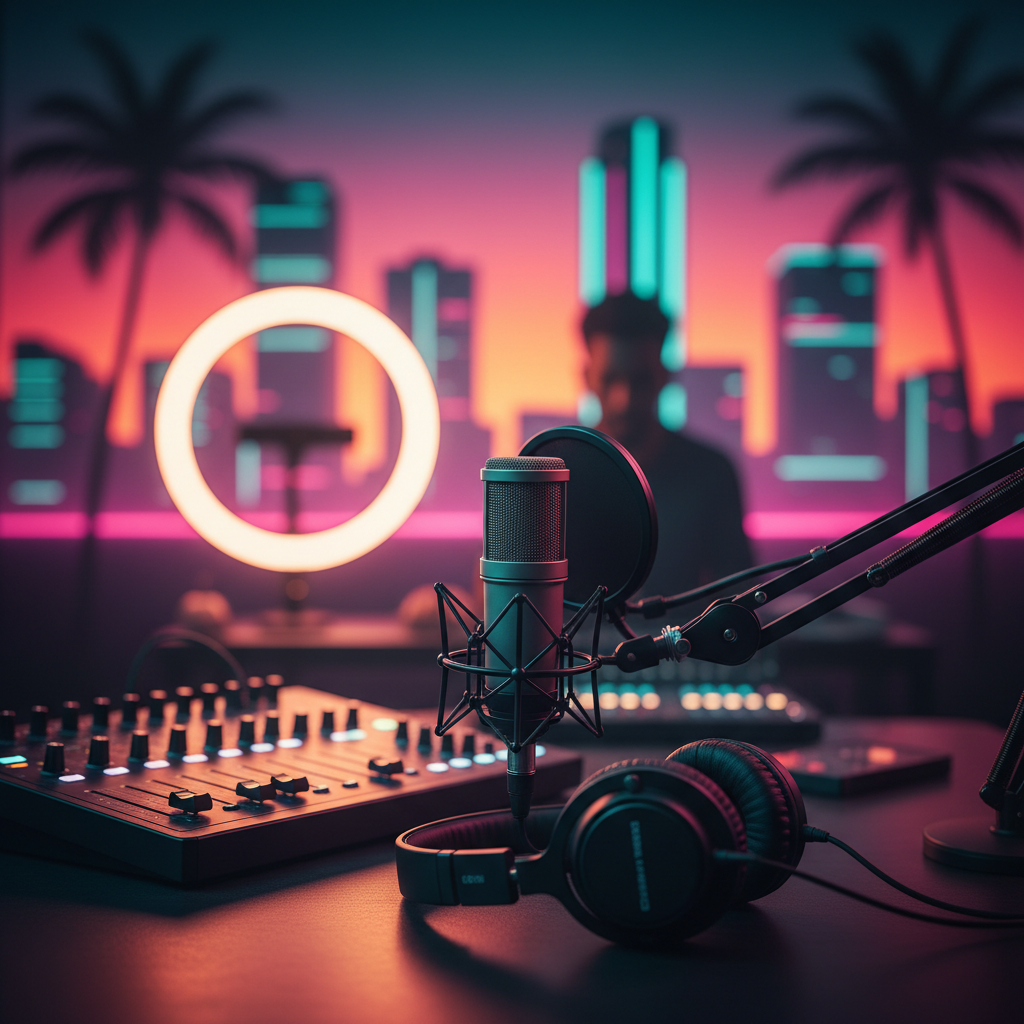
Miami Podcast Studio Equipment: Your Ultimate Guide to Pro Sound
Unlock professional audio quality for your podcast in Miami! This guide covers essential equipment for recording, from microphones to mixers, for every budget and skill level. Get ready to sound amazing!
Miami Podcast Studio Equipment: Your Ultimate Guide to Professional Sound
Hey Miami podcasters! Are you ready to take your show from "good enough" to "absolutely amazing"? Whether you're dreaming of launching your first series or upgrading your existing setup, having the right podcast studio equipment is crucial for delivering crystal-clear audio that captivates your audience. Here at PodcastMiami.net, we know a thing or two about what it takes to produce top-tier podcasts in the Magic City, and we're here to share our insider tips.
From the vibrant streets of Wynwood to the serene beaches of Miami Beach, podcasters across our diverse city are making their voices heard. But great content deserves great sound. This guide will walk you through the essential gear you need to record a podcast in Miami, ensuring your message resonates with every listener.
The Foundation: Microphones – Your Voice's Best Friend
Your microphone is arguably the most critical piece of equipment. It's where your voice truly begins its journey to your listeners' ears. Investing in a quality mic is non-negotiable for professional sound.
USB Microphones: Plug-and-Play Simplicity
Perfect for beginners or those on a budget, USB microphones offer incredible convenience. They plug directly into your computer, making setup a breeze.
* Pros: Easy to use, affordable, portable.
* Cons: Less flexible than XLR mics, often capture more room noise.
Top Picks for Miami Podcasters:
* Blue Yeti: A popular choice for its versatility and ease of use. Great for solo podcasters in a quiet space.
* Rode NT-USB Mini: Compact, excellent sound quality, and ideal for smaller setups.
XLR Microphones: The Professional Standard
If you're serious about sound quality and future-proofing your setup, XLR microphones are the way to go. These require an audio interface or mixer (more on that later) but offer superior sound fidelity and durability.
* Pros: Broadcast-quality sound, durable, highly versatile.
* Cons: Requires additional equipment (interface/mixer), typically more expensive.
Dynamic vs. Condenser Microphones:
* Dynamic Mics: Excellent for minimizing background noise, robust, and great for untreated rooms (think a lively Miami apartment!). The Shure SM7B is a legendary dynamic mic, often seen in professional studios, including ours at PodcastMiami.net. The Rode Procaster is another fantastic option.
* Condenser Mics: Capture a wider frequency range and more detail, making them ideal for treated studio environments. They usually require "phantom power" from your interface. The Rode NT1 is a popular studio condenser mic that delivers crisp, clear audio.
Capturing and Mixing: Audio Interfaces & Mixers
Once you have your XLR microphone, you'll need a way to get that pristine audio into your computer. This is where audio interfaces and mixers come in.
Audio Interfaces: The Essential Link
An audio interface converts the analog signal from your XLR mic into a digital signal your computer can understand. It also provides phantom power for condenser mics and often includes a headphone jack for monitoring.
* Focusrite Scarlett 2i2: A beloved choice for solo and two-person podcasts. Reliable, great preamps, and easy to use.
* Audient EVO 4: User-friendly, intelligent gain setting, and excellent sound quality.
Podcast Mixers: For Multi-Host Shows & Advanced Control
If you're hosting a multi-person podcast, conducting phone interviews, or want more hands-on control over your audio levels and effects during recording, a dedicated podcast mixer is invaluable. These often combine the functions of an audio interface with multiple inputs and advanced features.
* Rodecaster Pro II: The ultimate all-in-one podcasting studio. It handles multiple mics, sound pads, call-ins, and on-board effects. Perfect for a professional Miami podcast production setup.
* Zoom PodTrak P4: A more portable and budget-friendly option for recording multiple hosts with individual headphone mixes.
Monitoring Your Sound: Headphones
You wouldn't try to drive a boat through Biscayne Bay blindfolded, would you? The same goes for podcasting. Quality headphones are essential for monitoring your audio, catching any background noise, plosives, or other issues in real-time.
* Closed-Back Headphones: Crucial for recording. They prevent your headphone audio from bleeding into your microphone. Look for comfortable options for long recording sessions.
* Sony MDR-7506: An industry standard, known for its flat frequency response and durability.
* Audio-Technica ATH-M20x/M50x: Excellent sound quality and comfort at different price points.
Studio Acoustics: Taming the Miami Echo
Miami homes and offices can be lively, but that liveliness can translate to echo and reverb in your recordings. While a dedicated podcast studio in Miami like ours offers acoustically treated spaces, you can improve your home setup with a few simple steps:
* Acoustic Panels/Foam: Strategically placed panels can absorb sound reflections. You can find affordable options online.
* Furniture & Soft Furnishings: Rugs, curtains, bookshelves, and upholstered furniture can help deaden a room.
* Microphone Technique: Speak close to your microphone to reduce room noise pick-up.
* Isolation Shields: A portable shield can provide some acoustic dampening directly around your mic.
Essential Accessories: The Little Things That Make a Big Difference
Don't overlook these crucial extras!
* Pop Filter/Windscreen: Essential for reducing "plosives" (harsh "p" and "b" sounds). It's a small investment with a huge impact on vocal clarity.
* Mic Stand: A sturdy desk stand or boom arm positions your mic correctly and reduces handling noise. A boom arm is excellent for keeping your desk clear and the mic optimally placed.
* Cables: Quality XLR cables for your microphones and USB cables for your interfaces. Don't skimp here!
* DAW (Digital Audio Workstation) Software: For recording and editing. Popular choices include Audacity (free), GarageBand (free for Mac), Adobe Audition, and Reaper (affordable).
Beyond the Basics: Elevate Your Miami Podcast Production
Once you've mastered the fundamentals, you might consider:
* Dedicated Computer: A computer solely for podcasting can prevent performance issues.
* Studio Monitors: For critical listening during editing, providing an uncolored sound representation.
* Remote Recording Software: For interviewing guests anywhere in the world (e.g., SquadCast, Zencastr).
Ready to Record Your Podcast in Miami?
Building your own home studio is an exciting endeavor, but it requires time, research, and a financial investment. If you're looking for a professional, acoustically treated environment without the upfront cost and setup hassle, remember PodcastMiami.net has you covered! Our state-of-the-art podcast studio rental in Miami offers all the top-tier equipment mentioned above (and more!) in comfortable, sound-optimized rooms.
Located centrally near Miami Executive Airport, we serve podcasters from Brickell to Kendall, Wynwood to Coral Gables, and everywhere in between. Just bring your voice and your ideas, and let us handle the rest.
Looking for a seamless experience?
* Visit our studio page to learn more about our amenities and see our gear: /studio
* Ready to book your session or get a personalized quote for Miami podcast production? /contact
Investing in the right podcast studio equipment is an investment in your show's success. With this guide, you're well on your way to sounding like a pro and captivating your Miami audience. Happy podcasting!
FREQUENTLY ASKED QUESTIONS
What's the most important equipment for a new podcaster in Miami?+
For beginners, a good quality USB microphone like the Blue Yeti or Rode NT-USB Mini is a fantastic starting point. Add some closed-back headphones, and you're ready to record clear audio.
Do I need an acoustically treated room to record a podcast in Miami?+
While not strictly required, an acoustically treated room significantly improves sound quality by reducing echo and reverb. If you don't have one, consider using dynamic microphones, adding soft furnishings, or using a portable vocal booth to improve your home setup. Alternatively, consider a professional podcast studio rental in Miami like PodcastMiami.net.
What's the difference between a dynamic and condenser microphone for podcasting?+
Dynamic microphones (e.g., Shure SM7B) are great for noisy environments as they pick up less background sound, while condenser microphones (e.g., Rode NT1) capture more detail and are best suited for quiet, treated spaces. Most podcasters start with dynamic for their versatility.
Can I record a multi-person podcast in Miami without an expensive mixer?+
For two people, a 2-input audio interface like the Focusrite Scarlett 2i2 works well with two XLR mics. For more hosts or complex setups, a dedicated podcast mixer like the Rodecaster Pro II or Zoom PodTrak P4 offers more inputs and control. Our Miami podcast production studio has advanced mixers ready for multiple hosts!
Where can I find a professional podcast studio to record my podcast in Miami?+
PodcastMiami.net offers fully equipped, acoustically treated podcast studio rentals in Miami, conveniently located near Miami Executive Airport. We provide all the gear, from high-end microphones to mixers, for a seamless recording experience.
What essential accessories should every Miami podcaster have?+
Don't forget a pop filter (for clear vocals), a sturdy mic stand (desk stand or boom arm), quality XLR cables (if using XLR mics), and reliable closed-back headphones for monitoring. These small additions make a big difference in your Miami podcast production quality.